The Central Park App: A Digital Guide to NYC’s Green Wonderland 🌳
"Central Park is breathtaking…until you realize you’re lost🗺️😅"
Millions visit NYC’s iconic park every year, but navigating its 843 acres can feel like solving a puzzle without a map. That’s where the Central Park App comes in—a digital guide designed to help visitors explore effortlessly, discover hidden gems, and make the most of their time without the frustration.
🚀My Key Contributions:
Conducted user research through surveys and interviews, identifying key pain points in navigation, event awareness, and tour customization.
Led competitive analysis, uncovering gaps in existing solutions and shaping the app’s core features.
Designed and tested interactive prototypes, refining features based on usability feedback.
Developed a seamless user flow prioritizing intuitive navigation, real-time updates, and personalized tours.

🎯 The Initial Goal
To create a seamless and engaging way for visitors to explore Central Park without getting lost while maximizing their experience.
💪 The Challenge: Navigating a Natural Maze
The Problem:
Central Park, spanning 843 acres, welcomes millions of visitors yearly, yet many struggle to find key attractions, navigate efficiently, or discover hidden gems. Some give up, some rely on luck, and others miss out entirely.

⚠️ Understanding the Problem
We hit the ground running with surveys and interviews, digging into user frustrations.
Why surveys first?
Before building, we needed hard data to validate assumptions and avoid feature bloat.
Key Pain Points Identified Through Survey:

“Where am I?” Users struggled with location tracking and pathfinding.

We began with a simple question:
How can we help visitors enjoy Central Park without getting lost?
We identified several pain points, like the difficulty in finding locations and the confusion surrounding park navigation through our research. We analyzed the market, conducted user interviews to understand the user pain points.
👀 Understanding the market
We studied three competitors, each with gaps in functionality:
Maps
Tours
Accessbility
Competitor 1
Integrated with GPS but the start point is fixed. No real time information.
Self-guided tours and audio tours available. No live tours. Paid tours.
Audio feature for demo tour available for Central Park. Fixed points

Navigation
Competitor 2
The app drops a pin based on your selection from point of interest, food or restrooms. GPS is not integrated.
The app has no feature for tours.
Text is not readable. No voice navigation.
Monetization Insight: Paid tours were common, but users preferred free navigation features first before committing to extras.
🧐 User Research
🤔 Primary concerns
Events Info
Feature Prioritization: We needed to address both navigation AND event discovery.
👫 Personas

Why does this matter?
Poor navigation leads to visitor frustration, reducing engagement with local businesses, guided tours, and events.
Luke
24 years old graduate student.
Luke lives in New York since the last 4 years and loves going to the park but always gets lost finding his way through the park.
Pain Point: He gets every time she looks for a particular spot.
Goal: To use the Central Park App for better navigation through the park and get more information about the places she likes to visit regularly.


“Is there a better way?” Existing apps lacked personalization, making them ineffective for different visitor types.

“What’s happening?” Events and activities weren’t easily discoverable.
Competitor 3
GPS is not integrated. No map. Only tour ticket links
The app has various tours but all are paid tours.
Audio for text available. Text size is small and non readable.
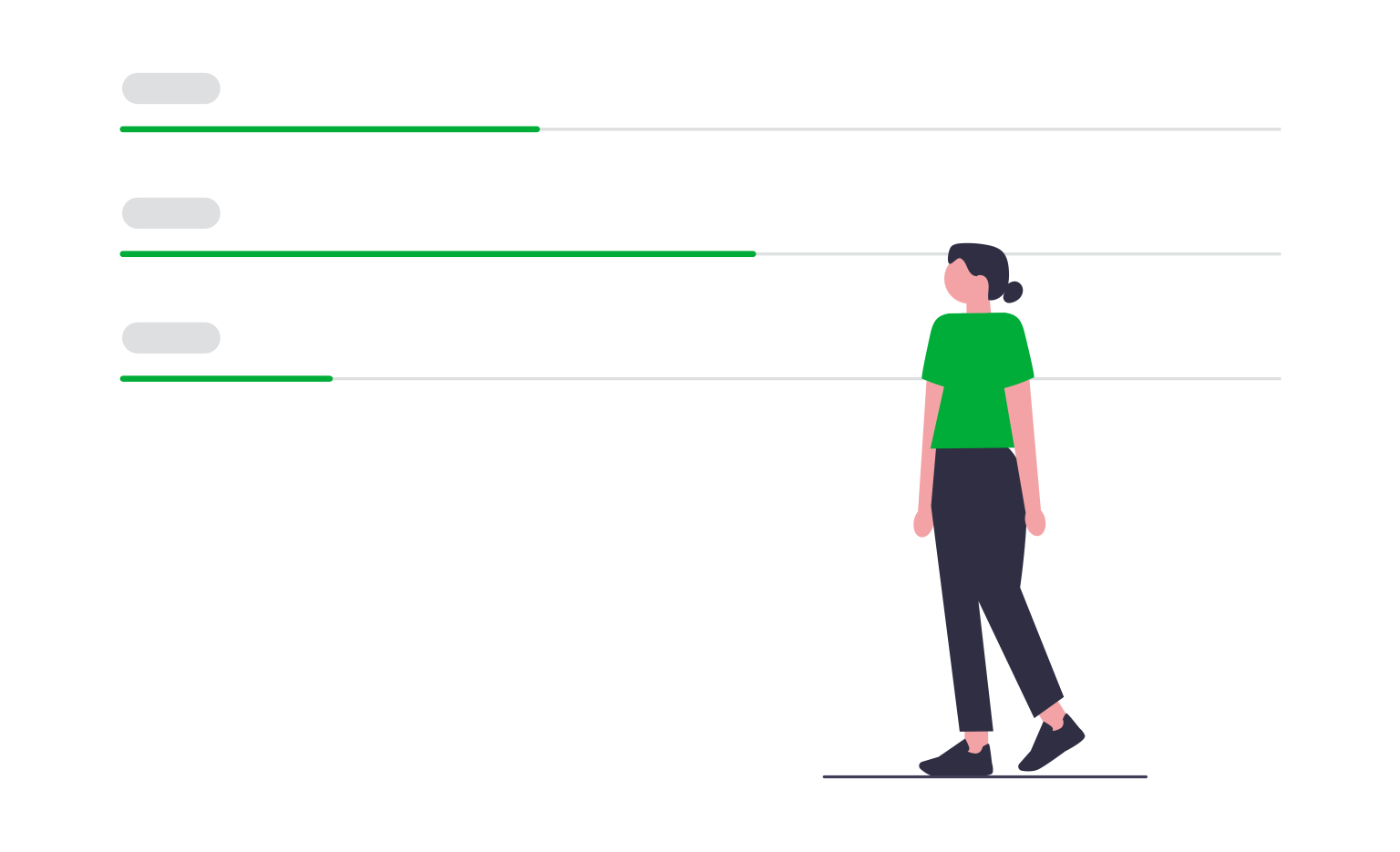
To better understand why users have a problem to navigate in and around the park we spoke to five people of a diverse age group. Through this conversation we wanted to figure out…
Difficulty in navigating around the park.
Awareness of attractions, events at the park.
Locating sightseeing spots
Historical information or fun facts about various spots.
Custom Tours
Three key primary concerns that the users expressed regarding their experience at the park were difficulty in navigating around the park, lack of information about events and lack of custom tours without tour guides. These are points that we made sure to address in the design.

Sophia
35 years old corporate employee.
She just moved to New York for her new job and loves to explore the city. She has visited the Central Park and was lost and had no clue from where to exit.
Pain Point: She keeps going in circle and reaches the same spot. She wants to attend the events at the park but avoids going to them as she thinks she won’t be able to locate it.
Goal: To use the Central Park App for a customized tour through the park and get updates about the upcoming events.

🔍 User Insights
Strategic Approach:
If we could solve navigation pain points, we’d not only enhance visitor satisfaction but also create opportunities for revenue through partnerships and event promotions.
Why user interviews?
To uncover emotional triggers behind frustrations and tailor our app accordingly.
“I love visiting the boathouse, but finding it is often confusing. Most of the time, I end up relying on luck to get there.”
“I was curious to learn more about the iconic spots, but I only ended up taking a picture of it.”
💡Ideation
Armed with research, we brainstormed and sketched ideas, focusing on three core improvements:
Intuitive navigation 🗺️
Personalized experience 🎭
Real-time event updates 🔔
🗺️ User Journey Map

📱Prototyping
We started developing the product by sketching and thoughtfully mapping out the core features and how they interconnect.


We empathized with the user journey, focusing on how we could make exploration seamless and fun.
During ideation, we prioritized features that would deliver both practicality and delight—like personalized tour creation and real-time event updates. We sketched wireframes, prototyped, and iterated based on feedback from usability tests.
🔄 User Flow

The app evolved into much more than just a navigation tool😍
Easy to explore
Custom tours
🔮 Looking Ahead: What’s Next?
We’re already dreaming big!
🚀 Augmented reality tours for immersive experiences
🌍 Social features to connect with fellow visitors
💰 Sponsorships & partnerships with local businesses
🎬 Final Takeaway
Updates on events at the park
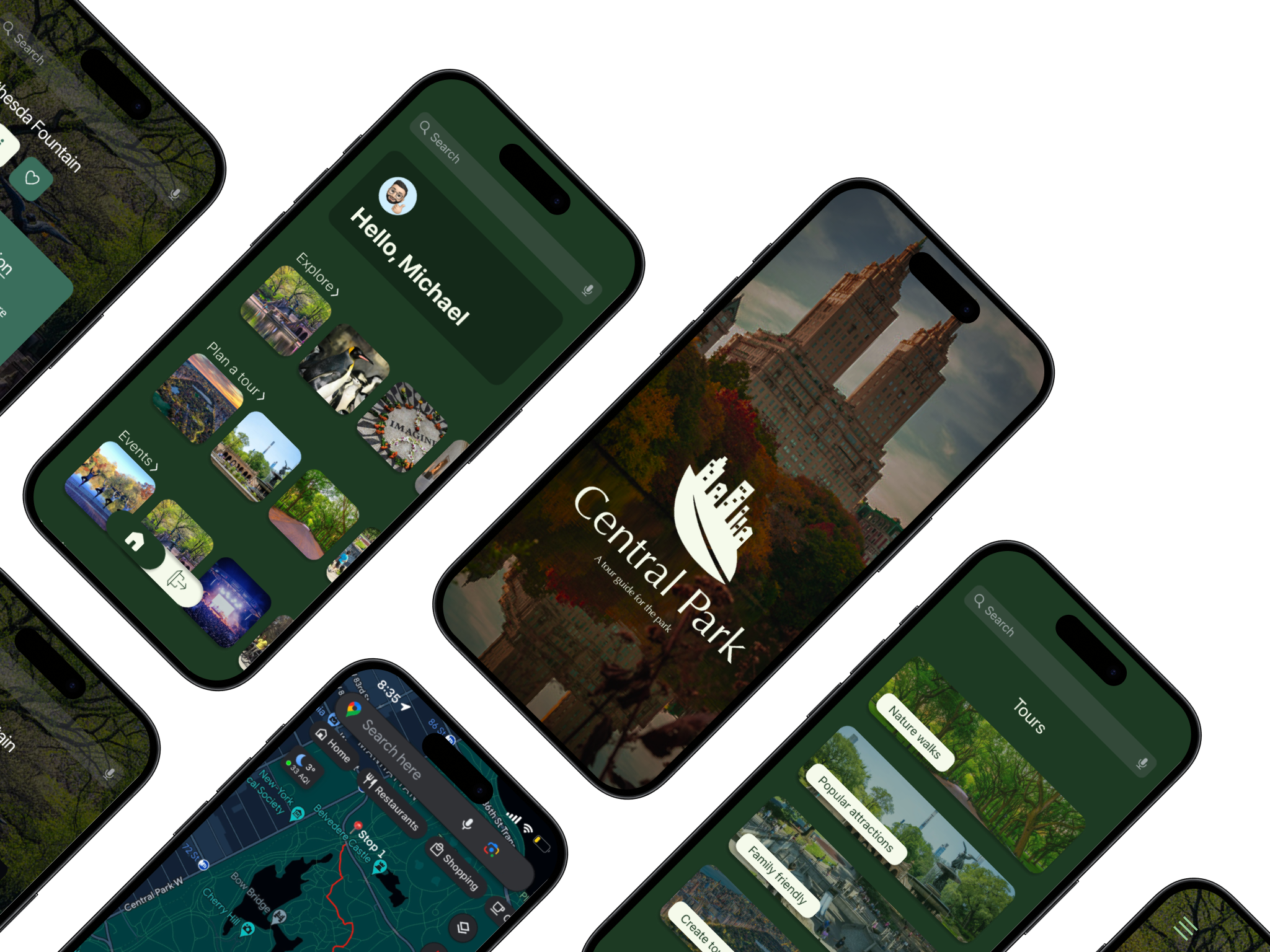
With a sleek UI, smart navigation, and dynamic event updates, the Central Park App now provides a frictionless experience for visitors to explore the park at their own pace.
How does this align with business goals?
More engagement means longer sessions, opening doors for partnerships (e.g., local cafes, events)
This project reinforced the power of user-centered design and strategic decision-making—proving that the best solutions come from listening, iterating, and aligning user needs with business goals.
Why prioritize these features?
Users wanted self-guided exploration over structured tours.